
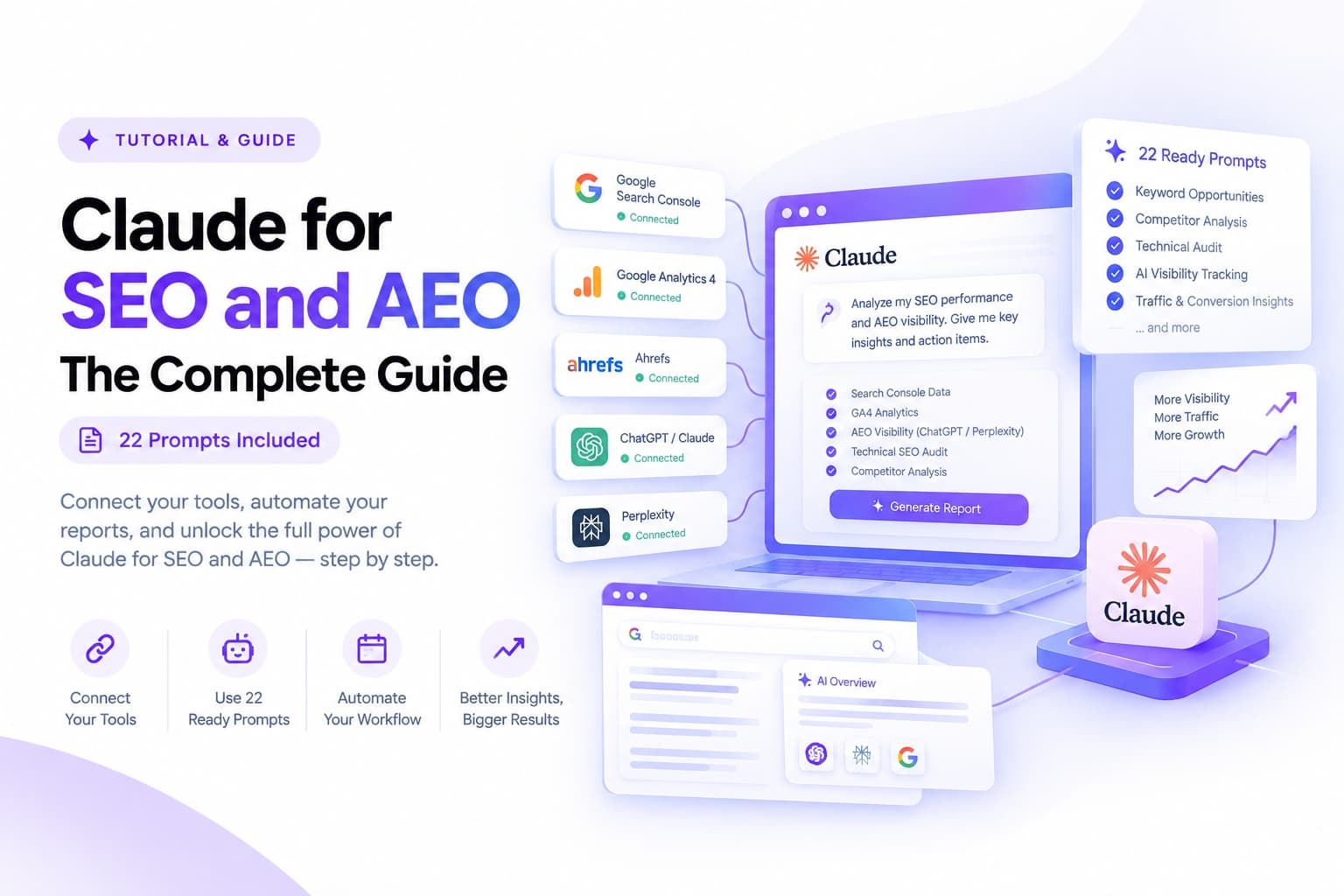
For most of the time people have used Claude for SEO work, the pattern looked the same. Export a CSV from Search Console, paste it into a chat, ask a question, get an answer about last week's data. Useful, but limited to whatever you remembered to export. That pattern has quietly broken open over the past year, and what replaced it is closer to having an analyst sitting inside your actual tools, reading live rankings, live traffic, live competitor data, and live citation data across ChatGPT and Perplexity, on command or on a schedule. This guide catalogs everything that shift actually enables, category by category, with the real mechanism behind each one and how to set it up.
The three engines behind everything below
Before the capability list, it helps to know which of three underlying mechanisms is doing the work, because the setup differs for each.
Connectors and MCP servers give Claude a live line into a specific data source, Search Console, GA4, DataForSEO, Ahrefs, and so on, through the Model Context Protocol, an open standard that lets Claude call an external tool directly instead of you exporting anything. This is the mechanism behind nearly every capability in this guide.
Claude in Chrome lets Claude drive an actual browser, useful for anything that needs to see a page rendered the way a real visitor or a real crawler would, checking mobile rendering, clicking through a competitor's site structure, or interacting with a dashboard that has no MCP connection yet.
Claude Code gives you a coding environment for anything that benefits from a script rather than a chat answer, bulk log file analysis, generating hundreds of redirect rules from a migration spreadsheet, or writing a one-off crawler when nothing off the shelf covers your exact case.
Most of what follows uses the first mechanism, since that is where the SEO and AEO specific MCP ecosystem has grown the fastest.
Search Console and GA4 intelligence
This is the foundation layer, and several MCP servers now expose it, ranging from free read-only connectors built specifically for this purpose to Google's own official server for Analytics data. Once connected, a handful of analyses become a single prompt instead of an afternoon in two separate dashboards.
Finding quick win keywords. Queries where you already rank on page two, positions five through fifteen, are the cheapest ranking gains available, since Google already considers the page relevant, it just needs a push. Ask Claude to pull every query in that position range with meaningful impression volume, sort by the ones with the most upside, and name the specific on-page change likely to help each one.
Catching decaying pages before the drop compounds. A page losing clicks month over month rarely announces itself until the damage is done. Claude can compare the current period against a prior one, rank every page by clicks lost rather than percentage change, and give a first read on likely causes, a content freshness issue, a competitor overtaking the position, or a technical regression.
Finding keyword cannibalization. When two pages on the same site both rank for a query, neither one usually wins as clearly as a single consolidated page would. This analysis requires cross referencing every query against every ranking URL, tedious by hand and quick for Claude to surface directly from Search Console, along with a recommendation on which URL should absorb the other.
Traffic and channel breakdowns from GA4. Sessions, conversions, and channel splits, organic against paid, direct, referral, and social, are a standard pull, but the real value shows up when you ask Claude to explain a shift rather than just report it, connecting a channel dip to a specific campaign end date or a tracking change.
Setting this up means adding a Search Console and GA4 MCP connector once, through Settings, Connectors, Add custom connector in Claude, signing in with the Google account that owns the properties, and choosing which properties Claude can read. Several free options exist for this specific pairing, alongside Google's own official Analytics MCP server for teams that want the GA4 side handled directly by Google's implementation.
Technical SEO auditing
Technical audits have traditionally meant a crawler tool spitting out a spreadsheet of issues that someone then has to prioritize by hand. Claude collapses that second step.
Full site health checks. Once connected to a technical or GEO focused MCP server, a single prompt can return a health score, Core Web Vitals and page speed signals, and confirmation of whether robots.txt, the sitemap, and llms.txt are present and correctly formatted, finishing with a fix list ordered by actual impact rather than issue count.
Schema, canonical, and on-page issue sweeps. Missing or malformed structured data, incorrect canonical tags, missing H1s, and broken internal links are all detectable through the same audit pass, and Claude can generate the corrected schema markup or canonical tag directly rather than just flagging that one is missing.
Redirect mapping for migrations. For a domain migration or a large scale URL restructure, feeding Claude Code the old and new URL lists lets it generate a full redirect map in minutes, something that takes hours by hand once a site passes a few hundred URLs, and it can flag orphaned old URLs that have no obvious new home so a human makes that call rather than the script guessing.
Log file analysis for crawl budget. Server log files show exactly what Googlebot is actually crawling, which is often meaningfully different from what a sitemap claims should be crawled. Claude Code can parse a raw log export and surface which sections of a large site are being under-crawled, over-crawled on low value pages, or hit by bots you did not expect.
Keyword research and content strategy
This is where connecting a dedicated SEO data source, rather than only Search Console and GA4, matters, since keyword research needs data about queries you do not rank for yet.
Competitive keyword and content gap analysis. With a data source like DataForSEO or a modern Ahrefs connection wired in, Claude can pull the keywords a competitor ranks for that your site does not, cluster them by topic and intent, and hand back a prioritized content plan rather than a raw keyword list you still have to sort through.
Topic clustering and internal linking maps. Feeding Claude your existing content inventory alongside a keyword list lets it group pages into topic clusters, identify which pillar page each cluster should support, and suggest specific internal links between existing pages that currently have none, one of the more overlooked levers in on-page SEO. This pairs directly with how many keywords a single page should target, since a cluster only works if each page inside it targets a distinct, non-overlapping slice of the topic.
Content briefs built from live SERP data. Rather than guessing at what a top ranking page covers, a SERP data connector lets Claude actually pull the current top ten results for a target keyword, extract the subtopics and questions those pages answer, and build a brief that covers the gaps competitors miss rather than repeating what is already ranking.
On-page and content optimization at scale
Once a site has more than a handful of pages, on-page fixes stop being a one at a time task and become a bulk one, and this is where Claude's ability to work across many pages in one session pays off.
Meta title and description audits. Claude can review meta titles and descriptions across an entire site export at once, flagging duplicates, length issues, and missed keyword opportunities, then draft replacements in your brand voice rather than generic filler.
Alt text and image accessibility sweeps. For sites with hundreds of product or blog images, generating accurate, descriptive alt text at scale is exactly the kind of repetitive task Claude handles well, provided it has access to the images or a description of each one.
E-E-A-T signal review. Google's guidance on experience, expertise, authoritativeness, and trust is qualitative by nature, but Claude can still review a page against it directly, checking for author bylines, credentials, citation of sources, and update dates, then flagging which of those signals are missing on a given page.
Structured data and FAQ schema generation. For any page answering a set of questions, generating valid FAQ schema markup, or Product, Article, or LocalBusiness schema depending on the page type, is a fast, mechanical task Claude can do directly from the page content, which matters for both traditional rich results and how AI answer engines parse a page's content.
Answer engine optimization: the newer half of the work
This is the category that barely existed two years ago, and it is where an AI platform doing the analysis is particularly well suited, since the target it is optimizing for is other AI systems.
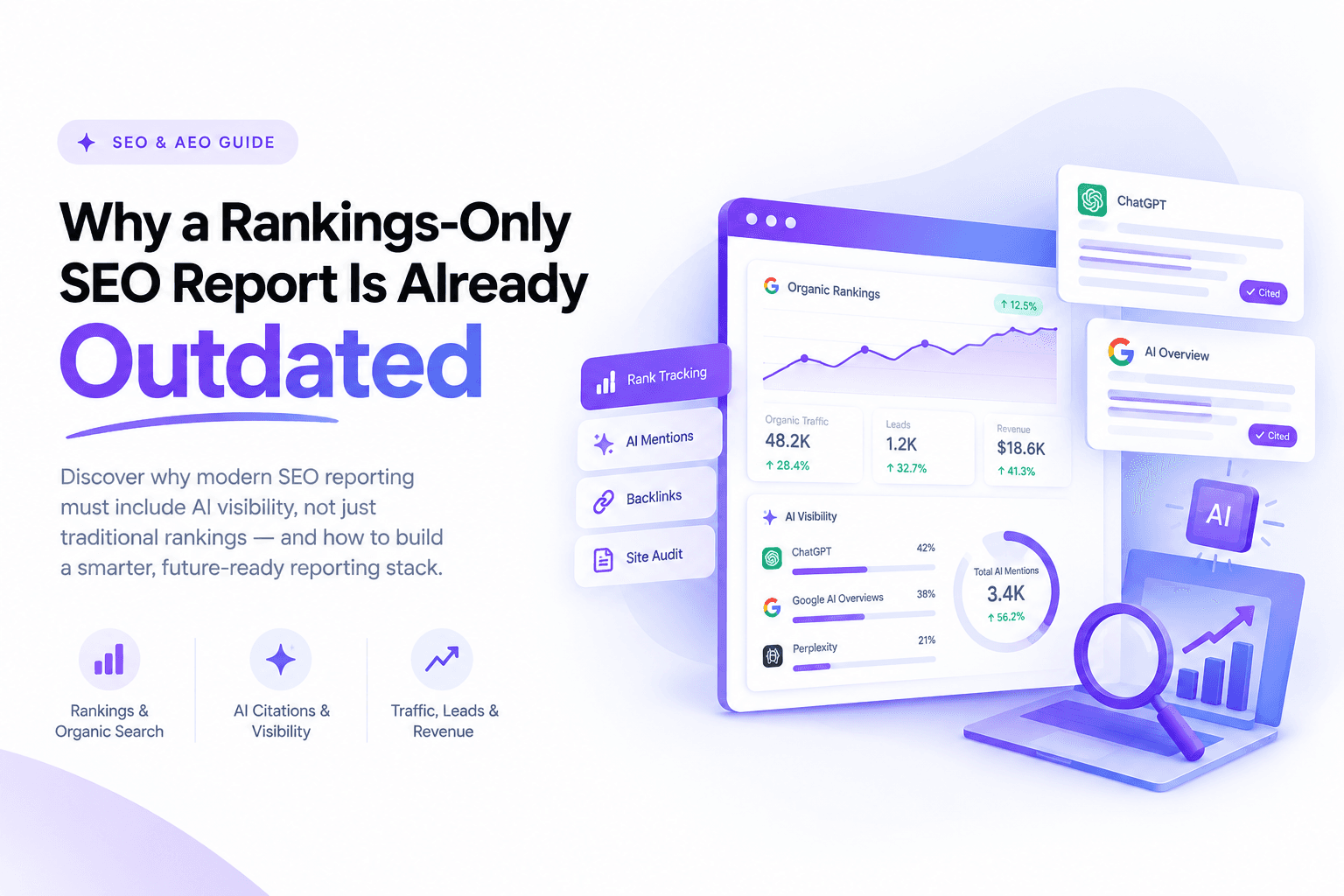
Checking your actual AI visibility. Rather than guessing whether your brand shows up in ChatGPT or Perplexity answers, Claude can run a structured visibility check, asking a set of realistic buyer questions across multiple AI platforms and recording whether and how your brand gets mentioned versus competitors, then organize the result into a clear mention rate by platform and a prioritized list of content gaps behind any misses.
llms.txt and AI crawler readiness. llms.txt is the emerging convention for telling AI crawlers what a site contains and how to navigate it, similar in spirit to robots.txt but aimed at language models rather than search crawlers. Claude can draft one from a site's existing structure and flag whether robots.txt is currently blocking any AI crawlers that should have access.
Structuring content for AI extraction. Content written to be quoted inside an AI answer looks different from content written purely for a human skimming a page, more direct statements up front, clearer statistics with sourcing, and less reliance on context spread across several paragraphs. Claude can review and restructure existing content specifically for this, without stripping out the detail a human reader still needs.
Tracking AI citation share over time. Where a dedicated AEO monitoring tool is connected, Claude can pull citation trend data across ChatGPT, Perplexity, Gemini, and Google's AI Overviews on a schedule, the same reporting mechanism covered in the companion guide on automating recurring SEO and AEO reports, applied specifically to citation data rather than rankings.
Competitor and SERP analysis
Live SERP snapshots. Rather than relying on a stale competitor analysis from last quarter, a SERP data connector lets Claude pull the actual current top results for any query on demand, useful for checking how a SERP has shifted right after a Google update or before finalizing a content brief.
Backlink gap analysis. With a backlink data source connected, Claude can compare your backlink profile against two or three competitors and surface the specific domains linking to them but not to you, sorted by authority, which turns link building from a cold search into a targeted list.
Full site crawls and structured extraction. A web scraping and crawling connector lets Claude crawl an entire competitor site or your own, extracting structured data like every product page's price and title, every blog post's publish date, or every page's word count, at a scale that would take a dedicated crawling tool and a separate spreadsheet to replicate manually.
Local SEO
For businesses competing on geography, a handful of local specific data tools extend the same pattern to map pack rankings and Google Business Profile visibility, letting Claude pull grid based local ranking data across a city or region and identify which specific areas underperform, useful for any service business where visibility varies block by block rather than nationally.
Reporting, scheduling, and delivery
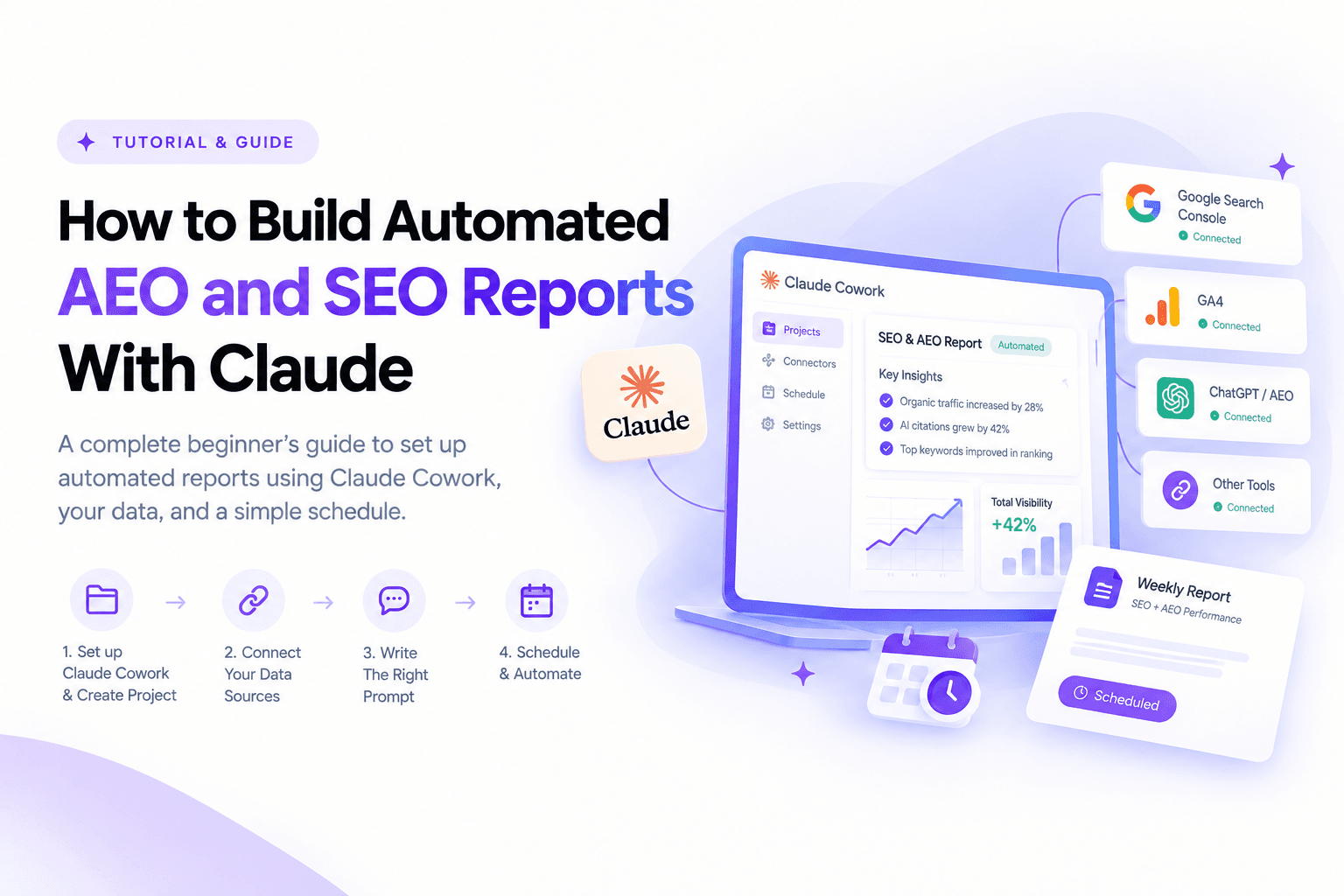
Everything above becomes considerably more valuable the moment it stops requiring you to ask for it every time. Setting up a Cowork project with standing instructions, connecting the relevant data sources, and scheduling a recurring task turns any of the analyses above into a report that lands in your inbox on its own cadence. That setup process, project creation, prompt structure, and getting a finished report emailed automatically to yourself or a manager, is covered in full in the companion guide to building automated AEO and SEO reports with Claude, so it is worth treating this guide as the capability catalog and that one as the implementation manual for turning any single item here into something recurring.
Setting up the stack: a practical starting order
Given how many connectors exist, a sensible build order avoids the common mistake of trying to wire up everything on day one.
Start with Search Console and GA4. This is free, takes minutes, and covers the largest share of day to day questions, quick wins, decay, cannibalization, and traffic trends, on its own.
Add one keyword and competitive data source next. DataForSEO or a modern Ahrefs connection unlocks keyword research, content gap analysis, and SERP snapshots, the layer Search Console alone cannot provide since it only shows queries you already rank for.
Add a crawling or scraping connector once you need bulk site analysis. This becomes worth setting up specifically for a migration, a large content audit, or ongoing competitor monitoring rather than as a default from day one.
Layer AEO visibility tracking in once traditional tracking is stable. Checking AI citation share is still new enough that getting the traditional half of the stack solid first, then adding this, tends to produce cleaner comparisons than standing both up simultaneously.
Throughout this build, leave new tools set to ask for approval before each action rather than full autonomy, at least for the first few weeks. This matters more for anything that can write or publish than for read-only analysis, but it is worth confirming which category each connector falls into before trusting it unattended.
The complete prompt library
Every workflow described above turns into a real result the moment it becomes a specific prompt rather than a general idea. Below is a full library, organized by the same categories as the rest of this guide, each one written to be copied, pasted, and adjusted to your own site, competitor names, and date ranges. A suggested cadence is included for anything worth scheduling once you set up recurring tasks, covered in the companion automation guide.
Search Console and GA4 intelligence
1. Quick win finder Surfaces the fastest ranking gains available: queries already close to page one that just need a nudge.
Read my Search Console data for the last 28 days. List every query ranked between position 5 and 15 with at least 200 impressions, sorted by position multiplied by impressions. For each one, give me the ranking URL, current CTR, and the single most important on-page change to make.Suggested cadence: weekly, read-only.
2. Decaying page rescue Catches traffic loss early, before a slow decline turns into a real problem.
Compare my Search Console data for the last 90 days against the 90 days before that. Find every page with declining clicks, rank the top 10 by clicks lost, and for each one give me the most likely cause and the single fix most likely to recover it.Suggested cadence: monthly, read-only.
3. Keyword cannibalization fixer Finds pages competing against each other instead of against competitors.
Find every case in my Search Console data where two or more of my own URLs rank for the same query. For each case, tell me whether to consolidate the pages, redirect one into the other, or differentiate them by search intent, and name which URL should be the survivor.Suggested cadence: quarterly, read-only.
4. Traffic and channel shift explainer Turns a raw GA4 export into an explanation rather than a chart you still have to interpret.
Pull my GA4 traffic by channel, organic, direct, referral, paid, and social, for the last full month against the previous month. Explain any channel that moved more than 10 percent, and connect it to a likely cause, a campaign change, a tracking issue, or a ranking shift, rather than just reporting the number.Suggested cadence: monthly, read-only.
Technical SEO auditing
5. Full technical and GEO audit A complete health check in one prompt, ending in a fix list rather than a raw issue count.
Run a full technical and GEO audit on my top 20 pages by traffic. Report an overall health score, Core Web Vitals and page speed signals, and whether robots.txt, the sitemap, and llms.txt are present and correctly configured for AI crawlers. List every on-page and schema issue found, then output a fix list ordered by likely impact, highest first.Suggested cadence: monthly, read-only.
6. Schema and canonical sweep Finds structured data and canonicalization problems most audits miss until they cause a ranking issue.
Review these pages for schema markup validity, canonical tag correctness, missing or duplicate H1s, and broken internal links. For any missing or invalid schema, write the corrected markup ready to paste in. Flag anything canonicalized to the wrong URL.Suggested cadence: quarterly, read-only.
7. Migration redirect map (Claude Code) Turns a URL migration from a manual mapping exercise into a generated file.
Here is a list of our old URLs and a list of our new URLs. Generate a complete 301 redirect map matching each old URL to its correct new equivalent based on content similarity. Flag any old URL with no clear match in the new site so I can decide manually. Output the result as a CSV file.Suggested cadence: as needed, during a migration.
8. Crawl budget analysis from log files (Claude Code) Shows what search engines are actually crawling, not what the sitemap assumes.
Here is a server log export covering the last 30 days. Identify which sections of the site Googlebot is crawling most and least frequently, flag any high value section that appears under-crawled, any low value section wasting crawl budget, and any unexpected bot activity worth investigating.Suggested cadence: quarterly, or after a major site change.
Keyword research and content strategy
9. Competitive content gap finder Turns a competitor's ranking keywords into a prioritized content plan rather than a raw list.
Compare our ranking keywords against [competitor domain]. List every topic where they rank in the top 10 and we do not rank at all, grouped by topic cluster rather than as a flat keyword list, and rank the clusters by estimated traffic opportunity.Suggested cadence: quarterly, read-only.
10. Topic cluster and internal link mapper Surfaces missing internal links between pages that should already be connected.
Here is our current content inventory and a list of target keywords. Group our existing pages into topic clusters, identify which page in each cluster should act as the pillar, and suggest specific internal links to add between pages that currently have none but clearly relate to each other.Suggested cadence: quarterly.
11. SERP-based content brief builder Builds a brief from what is actually ranking right now, not a generic template.
Pull the current top 10 results for [target keyword]. Extract the subtopics, questions, and structural patterns those pages share, identify what none of them cover well, and build a content brief that fills that gap rather than repeating what already ranks.Suggested cadence: per new piece of content.
On-page and content optimization at scale
12. Meta title and description audit Reviews an entire site's metadata in one pass instead of page by page.
Here is an export of every page's current meta title and description. Flag every duplicate, every title over 60 characters, every description over 155 characters, and every page missing an obvious keyword opportunity. Draft a replacement for each flagged page in our brand voice.Suggested cadence: quarterly.
13. Bulk alt text generator Handles the kind of repetitive accessibility work that never gets prioritized manually.
Here are the images and their page context for our product catalog. Write accurate, descriptive alt text for each one, under 125 characters, that describes the image content without keyword stuffing.Suggested cadence: as needed, for new content batches.
14. E-E-A-T signal review Checks a page against Google's quality guidance directly rather than guessing at it.
Review this page against Google's experience, expertise, authoritativeness, and trust guidance. Check for a visible author byline and credentials, citation of credible sources, a visible last-updated date, and any unsupported claims. List exactly what is missing.Suggested cadence: per cornerstone page, twice a year.
Answer engine and generative engine optimization
15. AI visibility checker Answers the question every brand asks now: do we actually show up in AI answers.
Ask these 10 realistic buyer questions about our category across ChatGPT, Perplexity, and Google's AI Overviews. For each question, record whether we get mentioned, which of our pages if any get cited, and which competitor gets mentioned instead when we don't. Summarize as an overall mention rate and a prioritized list of content gaps behind the misses.Suggested cadence: monthly.
16. llms.txt generator Produces the emerging AI-crawler equivalent of robots.txt from your actual site structure.
Based on our sitemap and site structure, draft an llms.txt file that clearly describes what our site contains and how an AI crawler should navigate it. Also check whether our current robots.txt is unintentionally blocking any major AI crawler.Suggested cadence: once, then review after major site changes.
17. AI-answer content restructuring Rewrites existing content so it is easier for an AI engine to extract and cite accurately.
Review this page and restructure it so the key facts, statistics, and direct answers appear clearly near the top of each section, with sourcing visible, while keeping the depth a human reader still needs. Do not remove supporting detail, just make the extractable answer more direct.Suggested cadence: per priority page.
18. AI citation trend tracker Turns a single visibility snapshot into a trend worth acting on.
Using our last three months of AI visibility check results, show the trend in our mention rate by platform, identify which specific pages have started or stopped getting cited, and flag anything that changed sharply enough to investigate.Suggested cadence: monthly, scheduled.
Competitor and SERP analysis
19. Live SERP snapshot Replaces a stale competitive read with the actual current search results.
Pull the current top 10 organic results for [target keyword]. List each ranking domain, page title, and a one-line summary of their angle on the topic, and flag anything that looks new since our last check.Suggested cadence: before finalizing any content brief.
20. Backlink gap finder Turns link building from a cold search into a targeted outreach list.
Compare our backlink profile against [competitor domain] and [competitor domain]. List every domain linking to them but not to us, sorted by authority, and flag which of those look realistically reachable for outreach.Suggested cadence: quarterly.
Reporting and delivery
21. Weekly snapshot, emailed automatically The habit-forming version of reporting: small, fast, and it just arrives.
Pull this week's top 5 keyword movements, organic traffic versus last week, and any new Search Console errors. Summarize in under 150 words, then email it to [your email address] with the subject line "Weekly SEO snapshot".Suggested cadence: weekly, scheduled.
22. Monthly report for a manager or client The version meant for someone who does not want to read raw data.
Build this month's SEO and AEO report: a short summary at the top, organic traffic trend, keyword movement by topic cluster, our AI citation mention rate, and one clear recommendation for next month. Keep it under 600 words and email it to [recipient email address] with the subject line "[Site name] monthly SEO and AEO report".Suggested cadence: monthly, scheduled.
A reminder that applies to every prompt above: swap in your own domain, competitor names, date ranges, and recipient addresses before running any of these, and confirm the connector behind it is scoped to read-only unless the task genuinely needs to write or publish something.
Good practice and real limits
None of this replaces judgment, and a few limits are worth knowing before treating any of it as fully hands off.
Read-only by default is the right default. For most of the analysis work above, Claude only needs to read data, not change it, and keeping connectors scoped to read-only access, along with approval prompts on anything that writes or publishes, is the safer starting posture.
AI generated fixes still need a human check before publishing. A schema markup snippet or a rewritten meta description Claude produces is usually a strong first draft, not a guaranteed final answer, particularly for anything touching structured data that search engines validate strictly.
Data source costs and limits vary widely. Some connectors, DataForSEO in particular, run on a credit or usage based pricing model behind the free MCP server itself, so a heavy research session can carry a real cost even though the connector setup is free.
AI visibility data is younger and noisier than traditional rank tracking. Citation checks against ChatGPT or Perplexity are inherently less stable than a Google ranking, since the same question can return a different answer from run to run, so treat a single check as a data point rather than a definitive score, and rely on the trend over several checks instead.
Closing thoughts
The common thread across every capability above is the same one running through the last two guides in this series: connecting Claude to live data turns it from something you ask questions to into something that actually does the analysis, on your real numbers, on a schedule if you want it. Most sites will never need every connector in this guide running at once, and starting with Search Console, GA4, and one keyword data source covers the large majority of what matters day to day. If you would rather have this entire stack built, wired up, and reporting on autopilot rather than assembling it piece by piece, that is exactly the kind of work covered on the SEO, AEO, and GEO services side of this site, backed by the full portfolio of case studies built the same way, including the growth behind the cement brand organic traffic case study and the hospital SEO case study in Bangladesh.
FAQ
Frequently Asked Questions
Do I need to be technical to set any of this up?
Most of it, no. Connecting an MCP server is typically pasting a URL into Claude's connector settings and signing into the relevant account. The exceptions are the log file analysis and bulk redirect mapping work, which run through Claude Code and benefit from at least basic comfort with files and folders, though not necessarily actual coding ability.
Which single connector gives the most value for the least setup effort?
A Search Console and GA4 connector, since it covers the widest range of day to day questions, quick wins, decaying pages, cannibalization, and traffic trends, for zero cost and a setup that takes a few minutes.
Can Claude actually publish changes to my site directly?
Only if you connect a tool that has write access to your site, a CMS connector or similar, and even then most setups default to asking for confirmation before anything gets published. For most of the analysis in this guide, Claude is reading data and producing recommendations, not making live changes on its own.
How is this different from an all in one AI SEO platform that runs everything automatically?
An all in one platform makes the tooling and workflow decisions for you in exchange for less flexibility. Wiring up Claude with your own choice of connectors takes more initial setup but means the stack is built around your actual tools and data rather than a vendor's fixed workflow, which tends to matter more the more specific or unusual a site's situation is.
Is AEO visibility checking reliable enough to base decisions on?
Directionally yes, as a trend over repeated checks. As a single snapshot, treat it the way you would treat one ranking check on a volatile keyword, informative but not the whole picture until you have several data points showing a consistent pattern.