
A good SEO report does one job well. It turns a pile of numbers from four or five different dashboards into a story that explains what happened, why it happened, and what to do next. Most reports fail at exactly that job, not because the data is wrong, but because somebody spent three hours copying rows into a spreadsheet and had no time left to explain any of it. That is the actual problem automated reporting software solves, and in 2026 the category has split into two distinct halves that most guides still treat as one thing.
Why manual reporting quietly kills a marketing team's output
Picture the routine most in house marketers and small agencies still run every month. Log into Google Search Console, note the numbers down. Log into GA4, note more numbers down. Open the rank tracker, check keyword positions one by one. Paste everything into a spreadsheet, fight the formatting until it looks presentable, then write commentary explaining what the client is looking at. For one website, that routine burns a few hours. For an agency running fifteen client accounts, it is not a task anymore, it is most of somebody's week, every single week.
What automation actually fixes is not the reporting itself, it is where the hours go. A connected reporting platform pulls rankings, traffic, backlinks, and technical health from every source at once, on a schedule, so the person who used to spend Tuesday afternoon copying numbers instead spends that time deciding what the numbers mean. That shift, from data collection to interpretation, is the entire value proposition of every tool covered below.
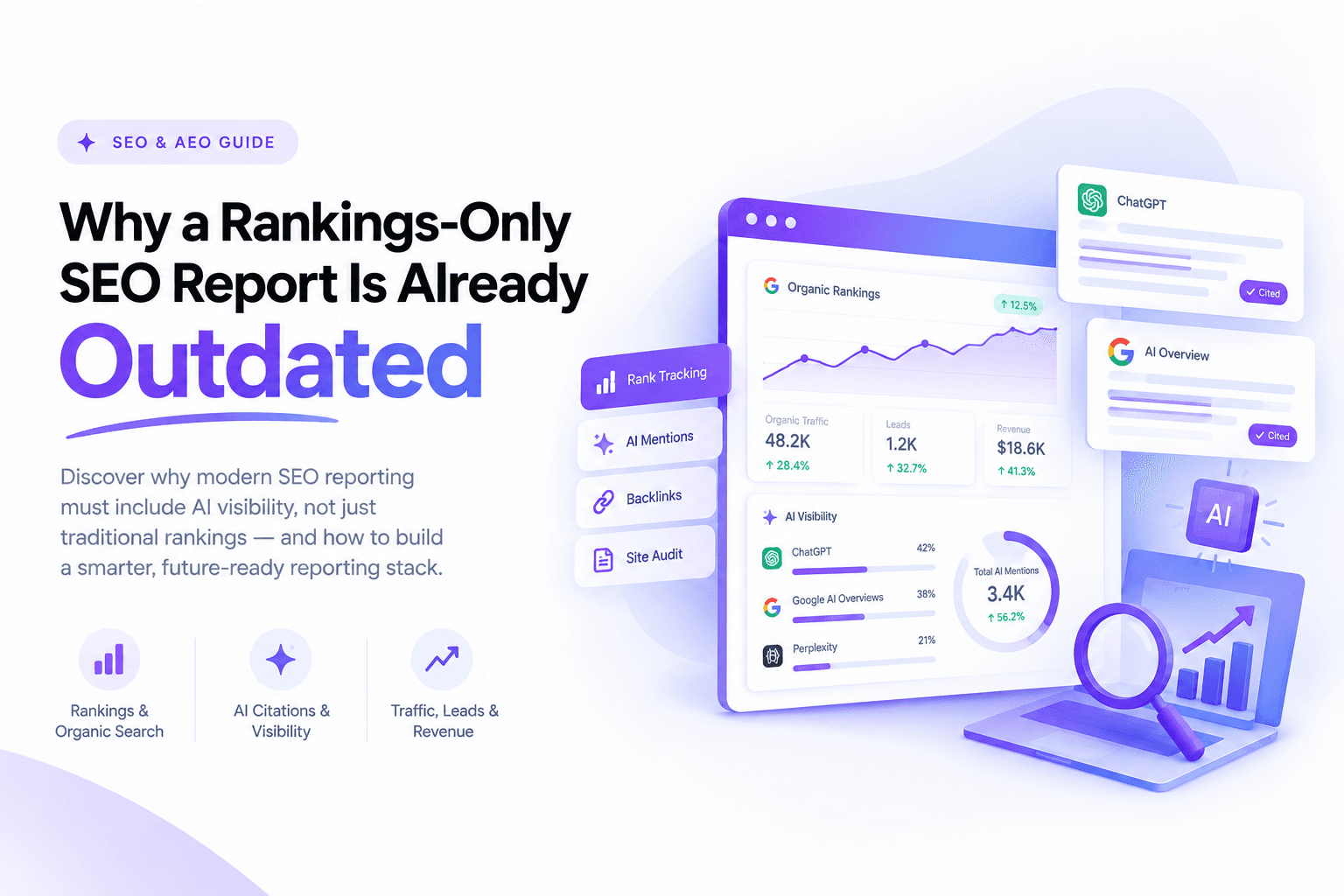
There is a second, newer reason reporting cannot stay manual anymore. AI Overviews now show up on close to half of all Google searches, and a separate tracked sample from Ahrefs found AI summaries appearing on roughly one in four of the keywords it monitors. Meanwhile close to six in ten searches end without a click to any website at all. A reporting stack built only for the traditional ten blue links is now blind to a large and growing share of what actually happens when someone searches, which is exactly why AEO tracking has become its own software category rather than a feature bolted onto old tools.
What to actually look for before choosing a tool
Most buying guides list features without explaining why any of them matter. Here is what genuinely separates a tool worth paying for from one that just looks good in a demo.
Depth of integration, not just a long logo list. A platform advertising eighty integrations means little if the three sources you actually depend on, say Search Console, your rank tracker, and your AEO monitor, connect shallowly or need a paid add on to sync properly. Check the specific integrations you need before anything else on this list.
Real scheduling, not a manual export with a calendar icon. A genuinely automated tool runs on its own cadence and delivers a finished report without anyone opening the platform that day. Several tools marketed as automated still require someone to log in and click generate, which defeats the point.
AI search coverage alongside traditional rankings. By 2026 this is no longer optional for a serious reporting stack. A platform that only tracks Google's blue link rankings is reporting on a shrinking share of total visibility.
White labeling that actually looks agency grade. For anyone reporting to external clients, a report with your own logo and colors is the difference between looking like the expert you are and looking like you resold someone else's software.
Insights that translate numbers into sentences. Raw data is not a report. The tools worth paying more for are the ones that surface what changed and flag it, rather than handing back a table you still have to interpret yourself.
Transparent, predictable pricing. Several platforms in this space bury their real cost behind add-on fees, per-client charges, or a demo-gated custom quote. Know the pricing model, not just the headline number, before you commit a client budget to it.
The best traditional and hybrid SEO reporting tools
These are the platforms built around classic SEO metrics, rankings, traffic, backlinks, and technical health, several of which have started folding AI visibility in as a secondary feature.
1. Google Looker Studio
Price: Free, though most non-Google data sources need a paid third party connector to sync properly.
Looker Studio remains the most flexible option simply because it is free and connects to more than a thousand data sources, including Search Console and GA4 natively. The drag and drop builder produces genuinely clean dashboards once configured, and Google's own template gallery removes some of the blank page problem.
The catch that rarely gets mentioned upfront: the free tool stays free right up until you need a non-Google source like Semrush or Ahrefs data flowing in automatically, at which point you are paying a separate connector subscription anyway, and true scheduled automation is thinner than most people expect going in.
Best for: Freelancers and small businesses with the patience to build the dashboard once and reuse it.
Watch out for: A setup curve that is steeper than "free and drag and drop" suggests, and real automation that depends on paid connectors underneath the free interface.
2. Semrush
Price: The core SEO Toolkit runs Pro at $139.95 a month, Guru at $249.95, and Business at $499.95, each roughly 17 percent cheaper billed annually. Semrush has also rolled AI visibility into a separate bundle called Semrush One, priced at $199, $299, and $549 a month across its three tiers, alongside Semrush's published pricing tiers for the classic toolkit.
Semrush is less a reporting tool and more a full SEO platform that happens to include strong reporting, built in AI summaries that cut through raw data, competitor comparison baked into every report, and white labeled PDF exports clean enough for a board presentation. The Guru tier adds the Content Marketing Toolkit and historical data access, which most agencies end up needing within the first few months anyway.
Best for: Teams that want one subscription covering keyword research, competitor tracking, and reporting rather than stitching several tools together.
Watch out for: Additional user seats cost $45 to $100 a month each, and the AI visibility layer sits in a separate Semrush One bundle rather than being included in the base toolkit price.
3. Ahrefs
Price: Ahrefs' revamped 2026 pricing structure runs Starter at $29, Lite at $129, Standard at $249, Advanced at $449, and Enterprise at $1,499 a month, with a genuinely usable free plan for light research.
Ahrefs remains the backlink and keyword research standard, and its reporting has caught up meaningfully, Looker Studio integration ships on the Advanced tier, and Brand Radar, its AI visibility add-on, tracks how often a domain gets cited across AI answer engines using real search volume data rather than a synthetic prompt list. The credit based system on lower tiers is the most common complaint, since even applying a filter consumes credits.
Best for: Teams that prioritize backlink depth and keyword research quality over an all in one marketing suite.
Watch out for: API access is locked behind the $449 Advanced tier, and the credit system makes lower tiers feel restrictive for daily use.
4. AgencyAnalytics
Price: Entry plans start around $59 to $79 a month for a handful of clients, then scale on a per client basis, commonly cited around $20 per additional client per month, which means a 30 client agency can add several hundred dollars to the base price.
AgencyAnalytics is built specifically around agency client reporting rather than SEO research, with over 80 integrations, daily rank tracking, white labeled client portals, and scheduling that genuinely runs without anyone touching it. It is also one of the few platforms in this space to ship built in MCP access for ChatGPT and Claude, meaning an AI assistant can query live client dashboard data directly rather than working from a static export, a detail worth returning to later in this guide.
Best for: Multi client agencies that need scheduling, white labeling, and client portals to just work without heavy configuration.
Watch out for: The per client pricing model means costs climb steadily as an agency's roster grows, unlike platforms that charge by data source instead.
5. DashThis
Price: Starting around $44 to $49 a month for the entry tier, covering a handful of dashboards.
DashThis intentionally does one thing. It gets a clean, shareable report out fast, with preset widgets covering Google Analytics, Semrush, Moz, and Ahrefs so a new dashboard takes minutes rather than hours to configure. It will not satisfy anyone who wants deep customization or granular metric level control, and that is by design.
Best for: Agencies and marketers who want reliable, unattended reports without spending an afternoon in a dashboard builder.
Watch out for: A single page format that starts to feel limiting once a client wants a more layered, multi section report.
6. Whatagraph
Price: A free plan exists, with paid agency tiers commonly starting in the $199 to $229 a month range depending on data source count.
Whatagraph pairs cross channel reporting, SEO alongside paid media and social, with a genuinely useful AI chatbot layer that answers plain English questions about the data rather than requiring you to build a chart for every question. The visualizations are some of the cleanest in this list, which matters when a report is going straight to a client who has never opened an analytics tool before.
Best for: Agencies managing budgets large enough that cross channel insight, not just SEO, justifies a premium tool.
Watch out for: The pricing scales with data source count, so a genuinely large client roster can get expensive faster than a flat per client model would.
7. SE Ranking
Price: SE Ranking's entry level pricing sits around $65 to $103 a month depending on plan and billing cycle, positioning it as one of the more affordable all in one options.
SE Ranking bundles keyword tracking, technical audits, competitor analysis, and white labeled reporting at a price meaningfully below Semrush or Ahrefs, and it has quietly added AI search visibility tracking directly into its core plans rather than gating it behind a separate product, which is unusual at this price point. The interface trades some polish for that lower price, but the feature set genuinely competes with tools costing twice as much.
Best for: Small to mid sized agencies that want AI visibility and traditional SEO tracking in one subscription without an enterprise budget.
Watch out for: The interface feels a generation behind Semrush or Whatagraph, and customer support response times slow down during peak hours.
The best dedicated AEO and AI visibility tools
None of the platforms above were originally built to answer one specific question: how often does a brand actually get mentioned when someone asks ChatGPT, Perplexity, or Google's AI Overviews a question in their category. That is what this newer set of tools is built to measure.
8. Otterly.AI
Price: From $29 a month, the most affordable genuine AI visibility monitor on the market, with a 14 day trial.
Otterly earned Gartner Cool Vendor recognition in 2025 and remains the easiest entry point into AEO tracking, covering ChatGPT, Google's AI Overviews and AI Mode, Perplexity, Gemini, and Copilot. It will not satisfy an enterprise team wanting deep sentiment analysis or revenue attribution, but for a small business asking "are we even showing up in AI answers yet," it answers that question without a five figure commitment.
Best for: Solo marketers, small businesses, and anyone testing whether AEO tracking is worth a bigger investment before committing further.
9. Peec AI
Price: Starter plans run roughly $89 to $95 a month, with Pro and Advanced tiers rising toward $499 for more tracked prompts and additional markets.
Peec AI has built a strong reputation for clean, domain level citation data and multi language, multi market tracking that several competitors still handle poorly. Every plan includes unlimited seats, which matters for a team where several people need to log in and check visibility without paying per user.
Best for: Mid market SEO and content teams that need international AEO tracking with dependable data quality.
Watch out for: Broad coverage across every major AI engine costs meaningfully more than the headline price once per engine add-ons are included.
10. Profound
Price: Enterprise focused with a demo gated sales process, self serve entry points reported from roughly $99 to $399 a month depending on source, scaling well beyond that for full enterprise coverage.
Profound tracks the widest range of AI engines in this category, ten or more including ChatGPT, Perplexity, Gemini, Claude, and Grok, and ties citation share directly back to actual traffic and conversions rather than stopping at a visibility score. It raised a widely reported $35 million Series B round led by Sequoia, and that enterprise backing shows in both the depth of the data and the length of the sales process to get access to it.
Best for: Larger brands and enterprise marketing teams that need cross platform citation tracking tied to revenue, and have the budget and procurement patience an enterprise tool demands.
11. AthenaHQ
Price: Self serve plans start around $270 to $295 a month.
AthenaHQ leans harder into action than most competitors in this space, pairing citation tracking across eight or more AI engines with specific content recommendations rather than a dashboard you still have to interpret yourself. Several published case studies point to citation growth in the range of ten times baseline within a few months of consistent action on its recommendations.
Best for: Growth focused mid market teams that want the tool to suggest the next move, not just report the current score.
12. Scrunch AI
Price: Core plans start around $250 to $300 a month, with enterprise tiers priced individually.
Scrunch positions itself slightly differently from the rest of this list, monitoring AI visibility while also optimizing content specifically for how AI agents parse and cite it, a feature set it calls its Agent Experience Platform. It is the closest thing on this list to an AEO specific content tool rather than a pure monitoring dashboard.
Best for: Enterprises and larger agencies that want AI visibility monitoring bundled with content level optimization for AI agents specifically.
Side by side comparison
Tool | Starting price | Category | Best for |
|---|---|---|---|
Google Looker Studio | Free | Traditional | Freelancers, small budgets |
Semrush | $139.95/mo | Traditional + AI add-on | All in one SEO plus reporting |
Ahrefs | $29/mo | Traditional + AI add-on | Backlink and keyword depth |
AgencyAnalytics | ~$59 to $79/mo | Traditional | Multi client agencies |
DashThis | ~$44/mo | Traditional | Fast, simple dashboards |
Whatagraph | Free to ~$199/mo | Traditional | Cross channel reporting |
SE Ranking | ~$65/mo | Traditional + AEO | Budget conscious all in one |
Otterly.AI | $29/mo | AEO | Entry level AI visibility |
Peec AI | ~$89 to $95/mo | AEO | International AEO tracking |
Profound | ~$99 to $399+/mo | AEO | Enterprise, revenue attribution |
AthenaHQ | ~$270 to $295/mo | AEO | Action oriented recommendations |
Scrunch AI | ~$250 to $300/mo | AEO | AEO plus content optimization |
Prices above are approximate and change frequently across this category, always confirm current pricing directly with the vendor before budgeting.
Where Claude and MCP fit into a modern reporting stack
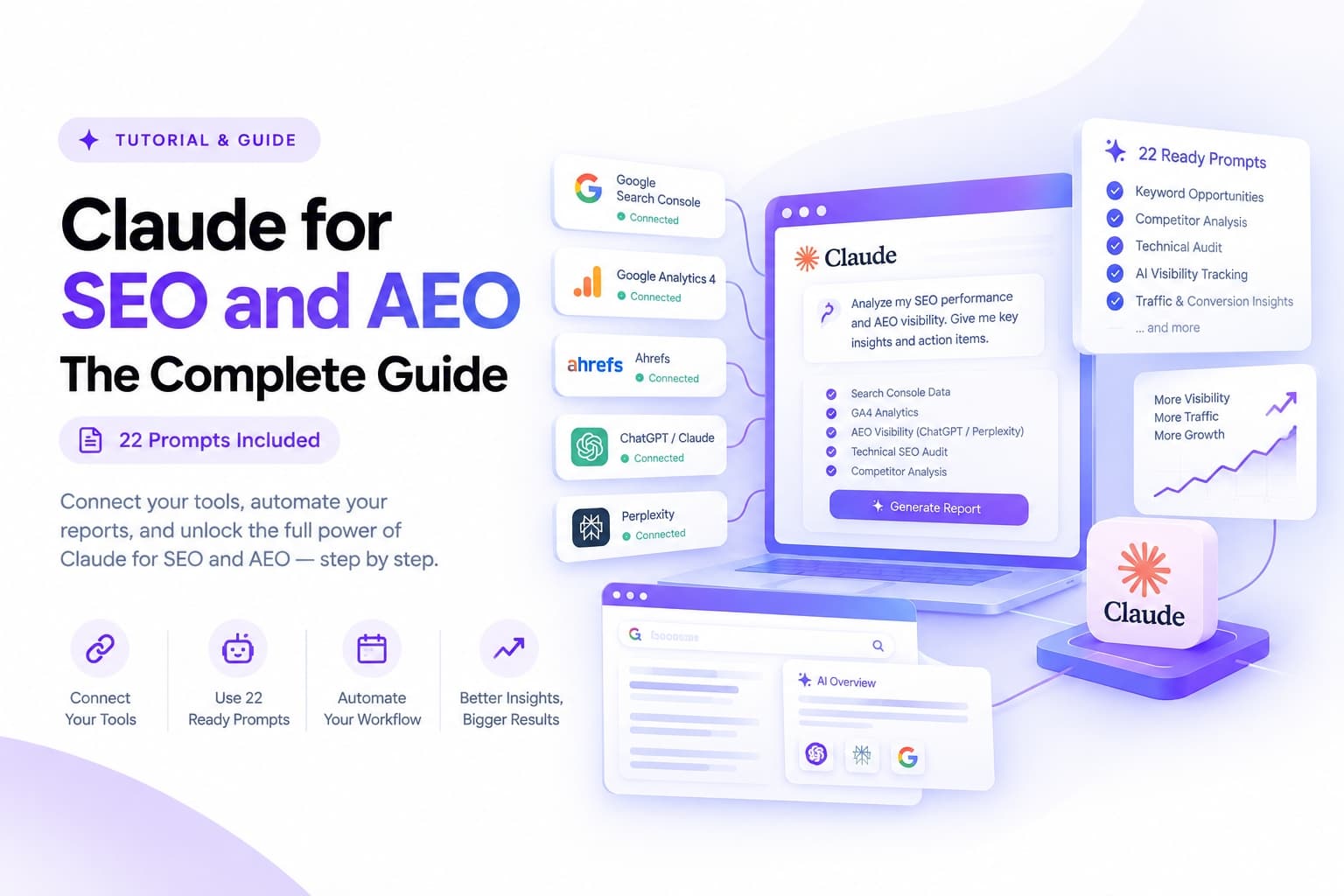
None of the tools above were designed to write your monthly summary for you, and this is the gap a general purpose AI platform like Claude is increasingly filling. Rather than replacing any tool on this list, Claude sits on top of them, pulling data from whichever platform you already use and turning it into a finished, plain English report on a schedule.
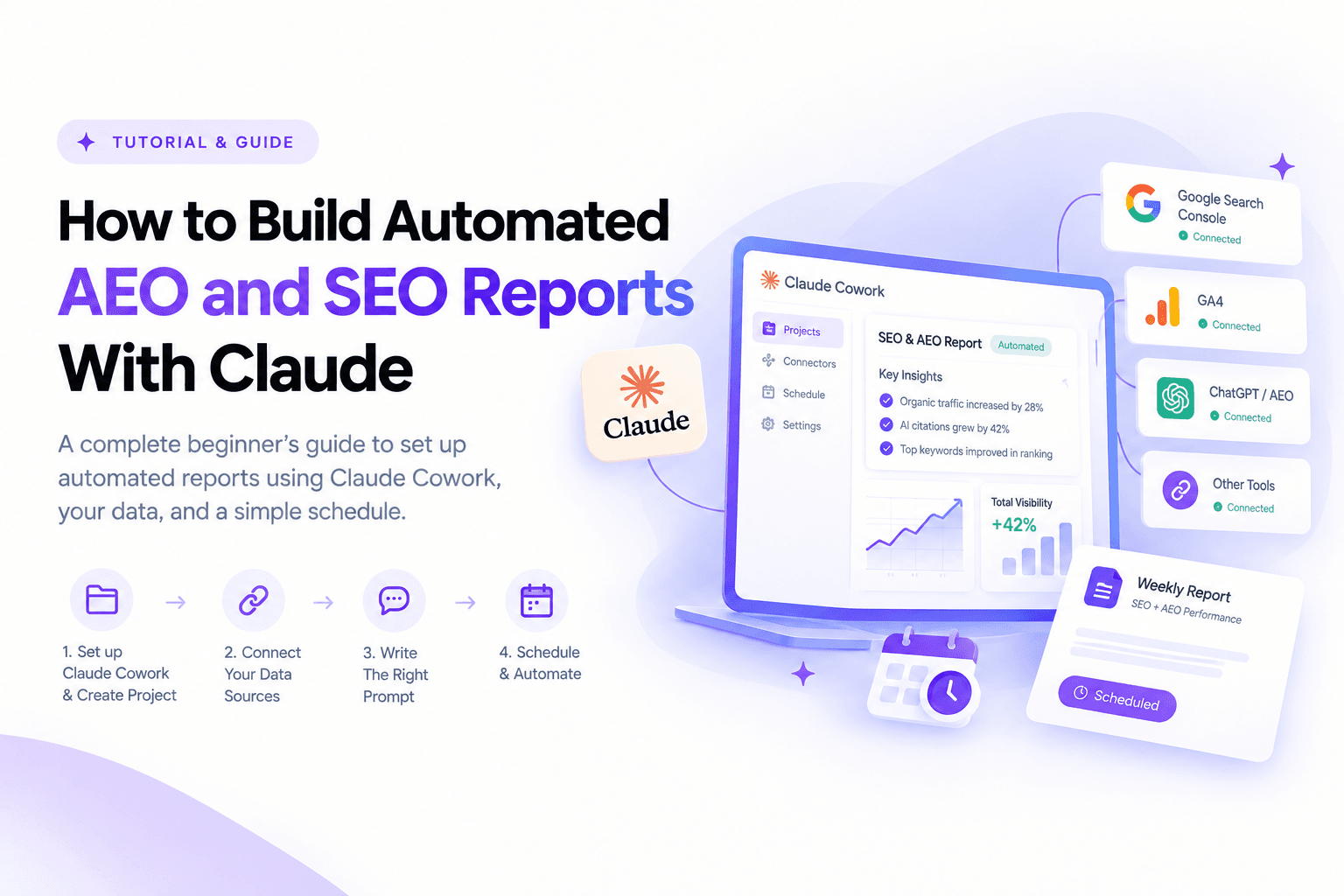
The mechanism has three parts. Claude Cowork, Anthropic's agentic workspace, lets you set up project based workspaces that hold standing instructions, context, and memory for a specific client or site, so you write your reporting brief once rather than every month. Connectors and the Model Context Protocol, MCP, let that project query live data instead of working from a static export, a single MCP connection can bridge Search Console and GA4 into Claude directly, and Google's own official Analytics MCP server does the same for GA4 specifically. And recurring scheduled tasks let that whole pipeline run automatically, delivering a finished report on a weekly or monthly cadence without anyone opening the platform that day, including emailing it to yourself or a manager through a connected Gmail or Outlook account.
That is the short version. If you want the full step by step walkthrough, including exact prompt templates, how to structure different report types, and how to get the finished report emailed to yourself or your boss automatically, that lives in the companion guide covering how to actually build automated AEO and SEO reports with Claude, project by project.
How to choose the right tool for your actual situation
Rather than chasing the tool with the longest feature list, work backward from three questions.
What is your budget, honestly? A freelancer or small business with one or two active projects rarely needs anything beyond Looker Studio for traditional reporting and Otterly.AI for a first read on AI visibility, together costing under $30 a month. An agency billing several clients can justify AgencyAnalytics or Semrush because the time saved pays for the subscription within the first month.
What is your actual use case? A small agency juggling five clients gets more value from DashThis or SE Ranking's simplicity than from AgencyAnalytics' deeper but heavier feature set. A large agency managing thirty or more clients needs the scale features AgencyAnalytics or Whatagraph were specifically built around.
What do you already depend on? A tool is only as good as what it connects to. If your team already lives inside Semrush for research, its bundled reporting and AI visibility add-on is a smaller lift than adopting an entirely separate platform. If Search Console and GA4 are your primary sources and you want an AI assistant summarizing them directly, the MCP route through Claude may replace the need for a dedicated dashboard tool entirely.
Turning a report into something people actually act on
Software solves the collection problem. It does not automatically solve the communication problem, and this is where most reports, automated or not, still fall short.
Lead with what changed, not with everything you have. A report that opens with fifteen metrics before saying anything about what happened is a report nobody reads past the first page. State the two or three things that moved and why, then let the detail support that story rather than bury it.
Match the report to who is reading it. A business owner needs organic traffic trend and conversions in plain language. An internal SEO team needs the keyword level detail and technical findings the business owner does not. Sending the same document to both audiences usually satisfies neither.
Use a visual for anything with a trend. A single sentence saying traffic grew is far weaker than the same sentence next to a line showing the actual shape of that growth. This is doubly true for AEO citation data, since a rising citation count over several months tells a much clearer story than one static number.
Always end with a next step, not just a summary. The report that says "traffic dropped 12 percent this month, we are running a technical audit next week to find the cause" is doing strategic work. The report that just states the drop and stops is a data dump with a header on it. This is the difference that turns a report from a chore into proof of the value being delivered.
Across the campaigns behind our cement brand organic traffic case study, where monthly visitors grew from 15 to over 5,600, and the insurance company's penalty recovery case study, where a tight reporting cadence was the only way to confirm a manual action recovery was actually holding, the throughline was never the software. It was catching a shift early enough to act on it, which is precisely what a properly configured reporting stack is for.
Common mistakes worth avoiding
A handful of patterns show up again and again with a new reporting setup, automated or manual. Choosing a tool by price alone and discovering it does not integrate with half your existing stack is the most common one, which is why the integration question above deserves more weight than the price tag. Building one dashboard that tries to serve every audience at once is another, since a report tuned for a CEO and a report tuned for an SEO specialist should rarely be the same document. And treating AI visibility as optional in 2026 is a mistake that gets more expensive every quarter AI Overviews and AI answer engines keep growing their share of total search.
Closing thoughts
The reporting tool matters less than what it enables you to do with the fifteen hours a month it gives back. Whether that stack ends up being Looker Studio and Otterly.AI at under thirty dollars a month, or Semrush and Profound at an enterprise budget, the actual test is the same: does the report your client or your boss opens tell them something true, something they could not have guessed, and something worth acting on this week. If you would rather have that entire stack built, configured, and reporting on autopilot rather than piecing it together yourself, that is exactly the kind of work covered on the SEO, AEO, and GEO services side of this site, backed by the full portfolio of case studies this approach has already produced.
FAQ
Frequently Asked Questions on Best AEO and SEO Reporting Software
Do I need both a traditional SEO tool and a separate AEO tool?
For most businesses in 2026, yes, at least for now. Several traditional platforms, Semrush and Ahrefs and SE Ranking among them, have started folding AI visibility tracking directly into their core plans, so if your budget only stretches to one subscription, checking whether your existing tool already covers this is worth doing before adding a second platform.
Are free tools like Looker Studio actually worth using?
Yes, particularly for freelancers and small businesses willing to spend a few hours on setup. The tradeoff is time rather than money, real automation and non-Google data sources typically require paid connectors underneath the free interface.
Which tool is best for an agency managing many clients at once?
Platforms purpose built for agency reporting, AgencyAnalytics in particular, tend to win here because of white labeled client portals and scheduling that genuinely runs unattended. The tradeoff is a per client pricing model that climbs as the roster grows, which is worth modeling out before committing.
How often should an AEO or SEO report actually go out?
Weekly for anything actively changing, a fresh campaign, a recovery from a penalty, or a new AEO tracking setup, and monthly for steady accounts. A tighter cadence in the early months of any new initiative is usually what separates catching a real trend early from noticing it three months too late.
Can an AI platform like Claude replace this software entirely?
No. Claude and similar AI platforms do not crawl search engines or store historical ranking and citation data themselves. What they do well is assembling, summarizing, and scheduling delivery of reports built from data that a rank tracker or AEO tool actually collects, which makes them a layer on top of this software rather than a replacement for it.