
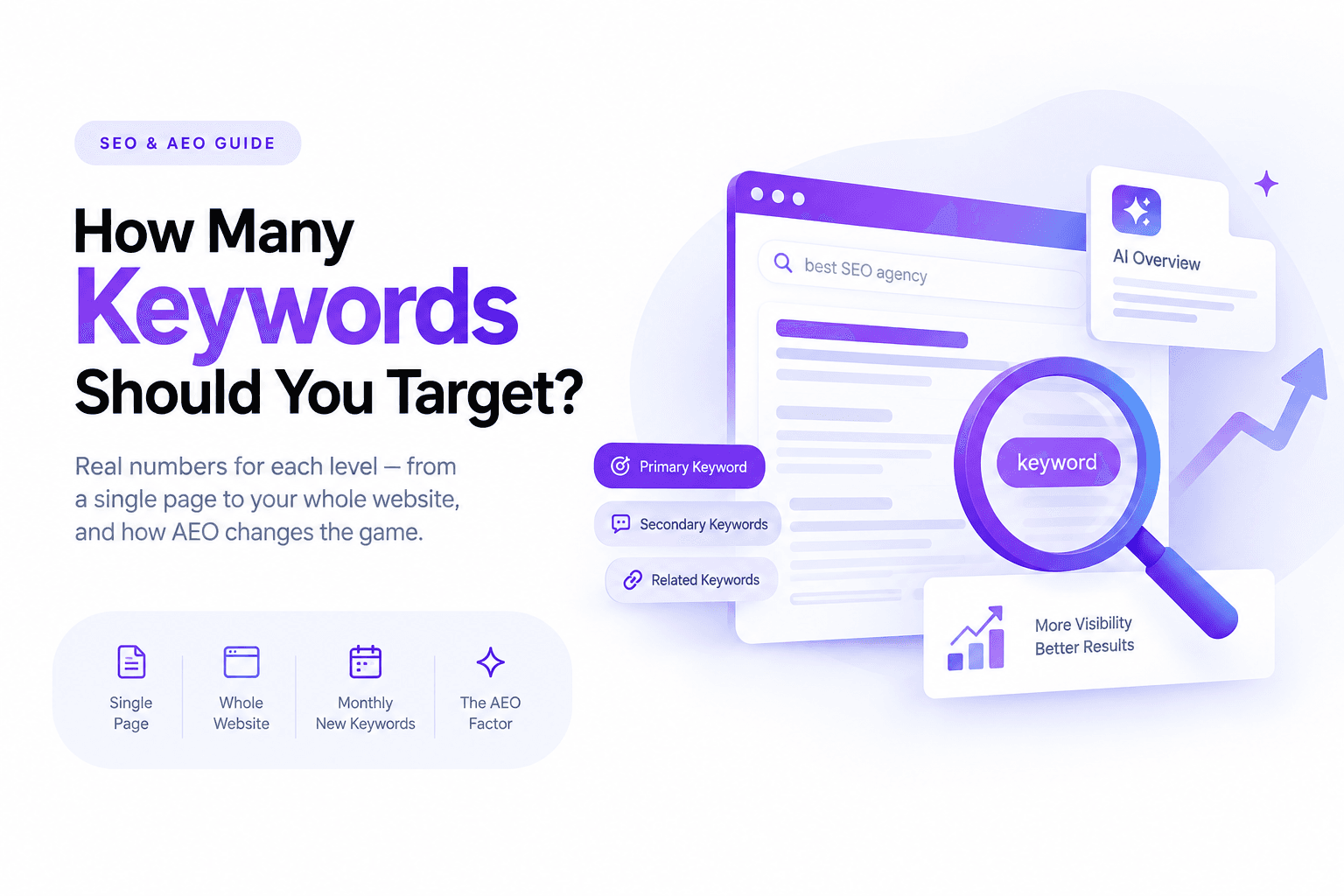
If you have asked five different people how many keywords a page needs, you have probably gotten five different answers, one primary keyword, three to five, as many as you can naturally fit, or the classic non-answer, "it depends." All of those answers are trying to solve the wrong problem. The real question is not a number. It is whether your page gives both a search engine and an AI answer engine enough signal to understand exactly what it is about, and enough depth to actually be worth citing. Once that clicks, the keyword count mostly figures itself out, and this guide walks through every piece of that, from the basic mechanics through the parts most keyword guides still leave out entirely.
What actually counts as a keyword now
A keyword used to mean one thing: the exact words someone typed into a search box. That definition still matters, but it is no longer the whole picture. Google's ranking systems, and every major AI answer engine, now work primarily with entities and concepts, the things and ideas your content is actually about, rather than matching strings of text character for character. A page about "the best running shoes for flat feet" does not need that exact phrase repeated to rank or get cited for it, it needs to clearly demonstrate that it covers running shoes, flat feet, arch support, and the related concepts a genuinely useful answer would include.
This matters more than it sounds like it should, because it changes what "having enough keywords" actually means. It is no longer about hitting a phrase a certain number of times. It is about whether your content covers a topic completely enough that both a search engine and a language model can confidently say this page answers the question.
Search intent comes before any keyword decision
Before picking a single keyword, know why someone is searching it, because the same phrase can mean different things depending on what the searcher actually wants. Four intent types cover almost everything:
Informational searches want an explanation, "how does keyword density work." Navigational searches want a specific site or page, "Semrush login." Commercial investigation searches are comparing options before buying, "best keyword research tools for small business." Transactional searches are ready to act, "buy Semrush subscription."
Targeting a keyword without checking which intent it carries is one of the most common reasons a page that seems well optimized still fails to rank or get cited. A transactional page written for an informational query, or the reverse, is fighting the search itself, not just its competitors.
Primary keywords: the one thing every page needs
Your primary keyword is the single main term that defines what a page is about, the answer to "if this page could only rank for one thing, what would it be." Every page should have exactly one. Trying to make a page a primary target for two or three unrelated main keywords is one of the fastest ways to confuse both search engines and readers about what the page is actually for, and it usually ends with the page ranking weakly for all of them rather than strongly for one.
Choosing a primary keyword well means weighing three things together rather than picking whichever term has the highest search volume. Search volume tells you how many people are looking, but a lower volume term that matches your business exactly is usually worth more than a high volume term that only loosely fits. Competition tells you how hard the term will be to rank for realistically, given your site's current authority. And intent match, covered above, tells you whether the people searching that term actually want what your page offers.
Secondary keywords: supporting cast, not filler
Secondary keywords are the closely related terms and phrases that reinforce your primary topic and let a single page realistically capture more than one search. They are not synonyms stuffed in for variety, they are the subtopics, related questions, and adjacent terms a genuinely thorough piece on the primary topic would naturally cover.
If your primary keyword is "how to start a freelance business," reasonable secondary keywords might include freelance invoicing, setting freelance rates, and finding first clients, each a real subtopic rather than a rewording of the main phrase. Secondary keywords do two jobs at once. They signal topical depth to search engines and AI systems, and they open the door to ranking or getting cited for several related searches from one well built page instead of needing a separate thin page for each variation.
Long tail and question keywords: the layer most guides skip
This is where a lot of keyword advice stops short, and it is exactly the layer that matters most for both AEO and genuinely qualified traffic. Long tail keywords are longer, more specific phrases, "best waterproof running shoes for wide feet" rather than just "running shoes." They carry lower individual search volume but considerably higher intent clarity and lower competition, and collectively they often represent more total search volume than the head term they branch from.
Question keywords are a specific and increasingly important type of long tail phrase, the actual questions people ask: what, how, why, can, does, should. These matter for two overlapping reasons. They map directly onto the People Also Ask box and onto how people phrase prompts to ChatGPT, Perplexity, and Google's AI Overviews, which makes them some of the highest value phrases to explicitly cover, often with their own dedicated subheading and direct answer, rather than leaving the answer implied somewhere in a paragraph.
A practical habit worth building: for every primary keyword you target, list at least three to five real questions a person might ask about that exact topic, and make sure your page answers each one explicitly enough to be lifted out as a standalone answer.
Keyword density: why the percentage stopped mattering
Keyword density is the percentage of times a keyword appears relative to a page's total word count, and for a long time it was treated as a target to hit, commonly cited around one to two percent. It is worth knowing the number still floats around in SEO advice, but it is worth knowing just as clearly that it stopped being a meaningful ranking signal years ago. Google's own John Mueller has said directly that keyword density isn't something worth focusing on, since Google's systems moved past that kind of counting a long time ago and now evaluate meaning and context instead.
The AI search side of this tells a similar story with harder numbers. In one large analysis of pages actually cited by AI answer engines, the exact search phrase was missing from the page's body copy in the overwhelming majority of cases, well above 90 percent. Repeating a phrase more often showed no independent advantage in citation likelihood once actual relevance was accounted for. The practical takeaway is not that keywords do not matter, it is that natural language covering a topic thoroughly beats mechanical repetition every time, on both traditional search and AI answers.
How many keywords by page type
There is no single correct number, but there is a sensible range once you account for what a page is actually for and how long it realistically needs to be. This table reflects how that range tends to play out in practice.
| Page type | Primary | Secondary | Notes |
|---|---|---|---|
| Homepage | 1 | 2 to 3 | Tell the brand story, do not try to rank for everything here |
| Service or landing page | 1 | 3 to 5 | Tight focus, conversion intent, avoid diluting with tangents |
| Blog post | 1 | 2 to 5 | Scales with length, a 2,500 word guide can support more than a 600 word post |
| Pillar or cluster hub page | 1 broad | 8 to 15 | Deliberately broad, meant to map to many supporting pages |
| Product page | 1 | 3 to 5 | Include the product name, category, and one or two differentiators |
| Category or collection page | 1 | 5 to 10 | Naturally broader, covers a range of related items |
| FAQ page | 1 | 5 to 10 | Each question functions as its own micro secondary keyword |
| Comparison page | 1 (the comparison itself) | 2 to 4 | The "X vs Y" phrase is usually the primary keyword on its own |
| Local landing page | 1 | 2 to 3 | Include the service and the specific location together |
The ranges above are a starting point tied to what searchatlas' own analysis of page type and keyword count has found reasonable, not a hard ceiling, content depth and topic complexity will always push the real number up or down from any table.
Where to actually place your keywords
Picking keywords is half the job. Where they show up on the page is what actually signals relevance, and this list goes further than the usual title tag and meta description advice.
Title tag. Your primary keyword belongs here, phrased the way a person would actually search it, not a keyword mashed in awkwardly.
Meta description. Not a ranking factor directly, but it shapes click-through, and working the primary keyword in naturally reassures a searcher they found the right result.
URL slug. Short, readable, and keyword relevant beats a long string of numbers or an unrelated internal ID every time.
H1. The primary keyword belongs in your main heading, stated plainly rather than dressed up as something cleverer.
H2 and H3 subheadings. This is prime real estate for secondary and question keywords, and it is also exactly the structure an AI answer engine uses to identify which section of your page answers which question.
The opening paragraph. State what the page is about within the first few sentences, in plain language. This is the single most overlooked placement for AI extraction specifically, since a language model summarizing your page for a citation often leans heavily on how the page opens.
The closing section. Restating the core answer near the end, in a slightly different phrasing than the opening, reinforces the topic for both a human skimming the page and a system extracting a summary. This spot gets skipped constantly.
A direct answer block. For any page targeting a question keyword, put a short, self-contained answer, two or three sentences, directly under the relevant heading before expanding into detail. This single habit is one of the highest leverage things you can do for both featured snippets and AI Overview citations, since it gives the exact extractable answer instead of forcing a system to infer one from a longer passage.
Image alt text. Describes the image accurately while naturally working in relevant terms, never just a filename.
Internal link anchor text. When linking to this page from elsewhere on your site, use descriptive, keyword relevant anchor text rather than "click here" or "read more." This is one of the most consistently underused placements, since internal anchor text is one of the clearest signals you control entirely yourself about what a page is about.
Schema markup. FAQ schema, Article schema, or Product schema depending on page type gives both search engines and AI crawlers a structured, unambiguous statement of what the page contains and what questions it answers, on top of whatever the visible text already communicates.
Keyword mapping and avoiding cannibalization
Once a site has more than a handful of pages, a new problem appears that a single page's keyword strategy can't fix: keyword cannibalization, where two or more of your own pages target the same primary keyword and end up competing with each other instead of with actual competitors. Neither page usually wins as clearly as one consolidated page would, and the ranking signal gets split rather than concentrated.
Keyword mapping is the practice of assigning exactly one primary keyword to exactly one URL across your entire site, tracked in a single spreadsheet or document, before any new content gets written. When you catch two existing pages targeting the same term, three fixes apply depending on the situation: consolidate the weaker page into the stronger one with a redirect, redirect one into the other outright if they are near duplicates, or differentiate them deliberately by intent if they are subtly different searches that both deserve to exist, like a buying guide versus a specific product review.
Topic clusters: building a content ecosystem, not a pile of posts
A single keyword rarely deserves just one piece of content forever. Most real topics branch into related subtopics, questions, and angles, and treating each keyword as an isolated, standalone post misses the compounding value of connecting them deliberately.
A topic cluster starts with a pillar page targeting a broad primary keyword, giving a comprehensive overview of the topic. Supporting pages then each target a narrower related keyword or question, going deeper into one specific angle, and link back to the pillar page while the pillar links out to each of them. This structure does three things a scattered pile of unconnected posts cannot: it signals topical authority to search engines by showing genuine depth on a subject, it distributes ranking strength across the cluster through internal linking, and it gives an AI answer engine a clear, navigable map of how your content on a topic actually relates, which matters increasingly as these systems decide which sites to treat as authoritative sources on a subject.
This structural approach is exactly what shaped the results behind our cement brand organic traffic case study, where monthly visitors grew from 15 to over 5,600 by building out connected topic coverage rather than isolated pages competing against each other.
How to actually find the right keywords
Free, manual methods still work well and cost nothing but time. Typing your topic into Google and reading the autocomplete suggestions surfaces real, current phrasing people actually use. The People Also Ask box on any results page is a direct source of question keywords ready to become subheadings. Scrolling to Related Searches at the bottom of the page reveals variations and adjacent angles you might not have considered. Google Trends shows whether interest in a term is rising, falling, or seasonal, useful for deciding whether to publish now or wait.
Beyond those basics, a few methods get less attention than they deserve. Reviewing your own Search Console data for queries you already get impressions on, but rank poorly for, often surfaces keyword opportunities sitting in plain sight on pages you have already published. Studying a competitor's ranking keywords directly, through a paid research tool, reveals gaps in your own coverage you would not find by brainstorming alone. And for question specific research, tools built specifically around mining real questions, rather than general keyword volume, tend to surface far better raw material for the direct-answer sections AEO increasingly rewards.
Common keyword myths worth retiring
"More keywords always means more traffic." More relevant, well covered subtopics can mean more traffic. Padding a page with loosely related keywords just to widen its net usually dilutes it instead, ranking for nothing clearly rather than something specifically.
"You must use the exact keyword phrase verbatim to rank for it." Semantic search means a page can rank for and get cited on a query without ever containing that exact string of words, as long as the concept is clearly covered. Natural variation reads better and works at least as well.
"There's a magic keyword density percentage." Covered in detail above, but worth repeating here because it is the most persistent myth in the list: no confirmed percentage exists, and chasing one wastes time better spent on actual topic coverage.
"SEO keywords and AEO keywords are two separate things." They overlap far more than they diverge. A page built around clear topic coverage, direct answers, and genuine depth tends to perform well on both fronts at once, the split is more about which specific phrasing and structure choices you emphasize than about needing two entirely different keyword lists.
Why AEO changes this conversation
Everything above still applies inside traditional search, but the ground underneath it has shifted enough that keyword strategy can no longer stop at Google's ten blue links. AI Overviews now appear on close to half of all Google searches, and a separate tracked sample from Ahrefs found AI summaries showing up on roughly one in four of the keywords it monitors. Meanwhile close to six in ten searches now end without a click to any website at all.
What that means practically for keyword strategy is that a page now has two audiences to satisfy with the same content: a search engine deciding whether to rank it, and a language model deciding whether to cite it inside a generated answer. The good news is these two audiences want mostly the same thing, genuine topical depth, clear structure, and direct answers to real questions. The keyword-specific adjustment is weighting your question and long tail keyword research more heavily than older SEO advice suggests, since those are the phrasings AI systems are most often actually answering.
A worked example: putting it all together
Say you run a small business selling ergonomic office chairs and you are building a page around the primary keyword "best ergonomic office chair for lower back pain."
Your secondary keywords might include lumbar support office chairs, sitting posture for back pain, and adjustable office chair features, each a genuine subtopic the page should cover, not a rewording of the main phrase. Long tail and question keywords worth explicit subheadings include "does an ergonomic chair actually help lower back pain" and "how to adjust an office chair for lower back support," each answered directly in two or three sentences before expanding further. The title tag and H1 carry the primary keyword plainly. The opening paragraph states clearly, within the first two sentences, that the page covers exactly this. Internal links from your blog point to this page using anchor text like "ergonomic chairs for back pain" rather than "click here." And FAQ schema wraps each question section, giving both Google and any AI system reading the page an unambiguous structure to pull from.
Nothing about that build required hitting a keyword density target or counting phrases. It required knowing the topic well enough to cover it completely, in the places that actually carry signal.
Closing thoughts
The honest answer to "how many keywords should I use" is that the number was never really the point. One primary keyword per page, a handful of genuinely related secondary keywords, and real coverage of the long tail questions people actually ask will consistently outperform any page built around hitting a target count. Do that consistently across a site, organized into clusters rather than scattered posts, and the keyword count on any individual page stops being something you have to think about at all. If you would rather have this strategy built and mapped across your entire site rather than page by page, that is exactly the kind of work covered on the SEO, AEO, and GEO services side of this site.
FAQ
Frequently Asked Questions
Can a page rank for more than one primary keyword?
A page can certainly rank for many keywords over time, but it should only be deliberately targeting one as its primary focus. Trying to make one page the primary target for two unrelated main terms usually weakens its performance for both rather than strengthening either.
Is there a maximum number of keywords a page can have before it looks like stuffing?
There is no fixed ceiling, what matters is whether every keyword present reflects genuine content covering that subtopic. A 3,000 word guide naturally supports far more secondary and long tail keywords than a 400 word page, because it actually has the depth to back each one up.
Should I still worry about keyword density at all?
Not as a target to hit. It is worth glancing at only as a sanity check, if one phrase appears dozens of times in a short page, that usually signals awkward, repetitive writing worth fixing for readability, not an SEO metric worth optimizing toward a number.
How is keyword research different when I am optimizing for AI answer engines specifically?
The mechanics of finding keywords stay largely the same, but the weighting shifts toward question phrasing and long tail specificity, since that is how people actually prompt AI systems and how those systems phrase the answers they generate.
How often should I revisit my site's keyword map?
Reviewing it roughly every six months catches most of what matters, new competitor content, ranking cannibalization that developed as the site grew, and search behavior shifts, particularly as AI search continues changing how people phrase what they are looking for.